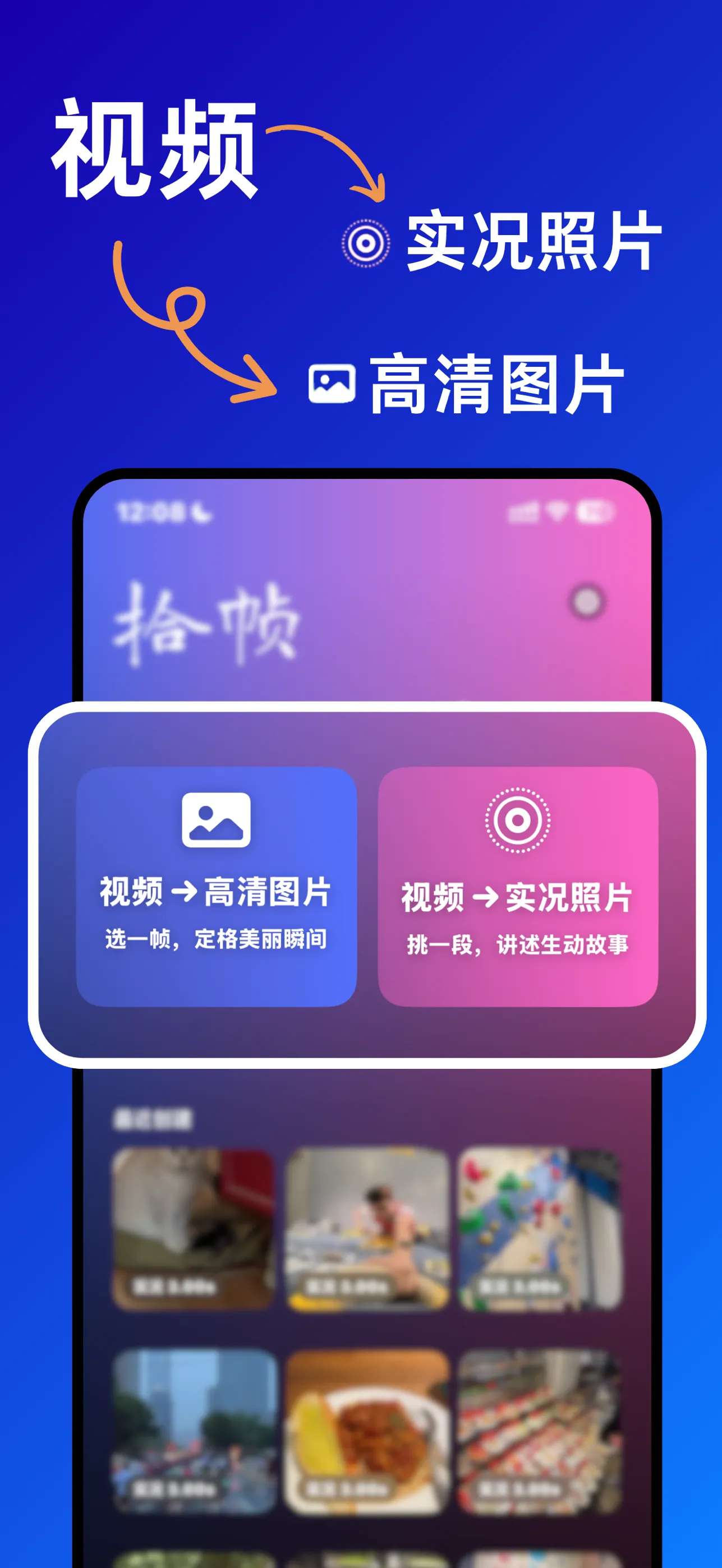
Two outputs
Video in. Live Photo or HD still out.
Pick one frame for a crisp still, or a short stretch for a Live Photo that tells the story. What you see while editing is exactly what you export — and what you post.

The best moment is in your video.
Pick the best frame from any video and turn it into a Live Photo or an HD still that is ready to post.
Every frame.
Your pick.
Ready to post.
4K · 60 fps
Step through 4K60 video one frame at a time and choose your cover frame. Framely sizes and times the Live Photo for wherever you post — and HD stills keep the light of the original in Adaptive HDR.
Pick one frame for a crisp still, or a short stretch for a Live Photo that tells the story. What you see while editing is exactly what you export — and what you post.
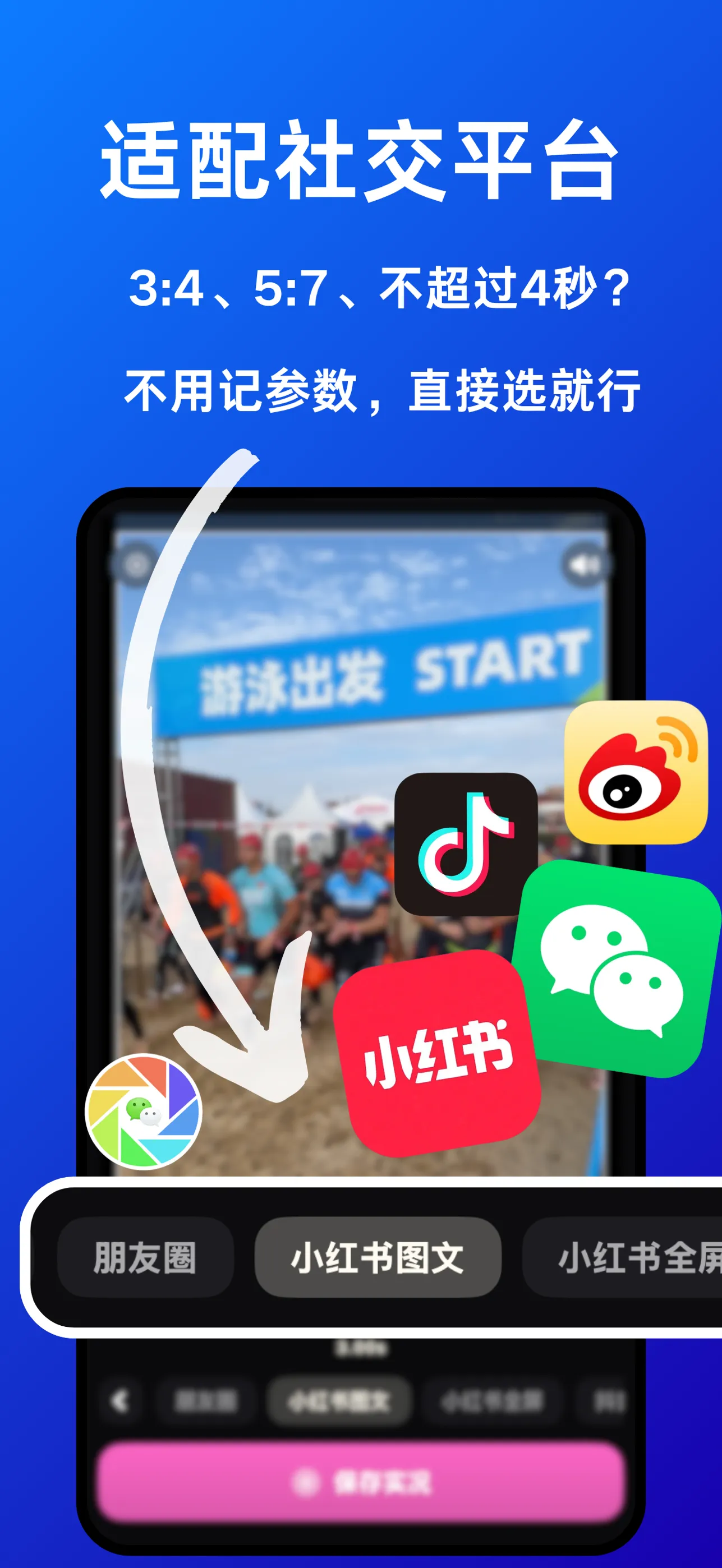
3:4 or 5:7? Under four seconds? Every platform has its own rules. Choose WeChat Moments, Xiaohongshu and more, and Framely sets the duration and size before you export.
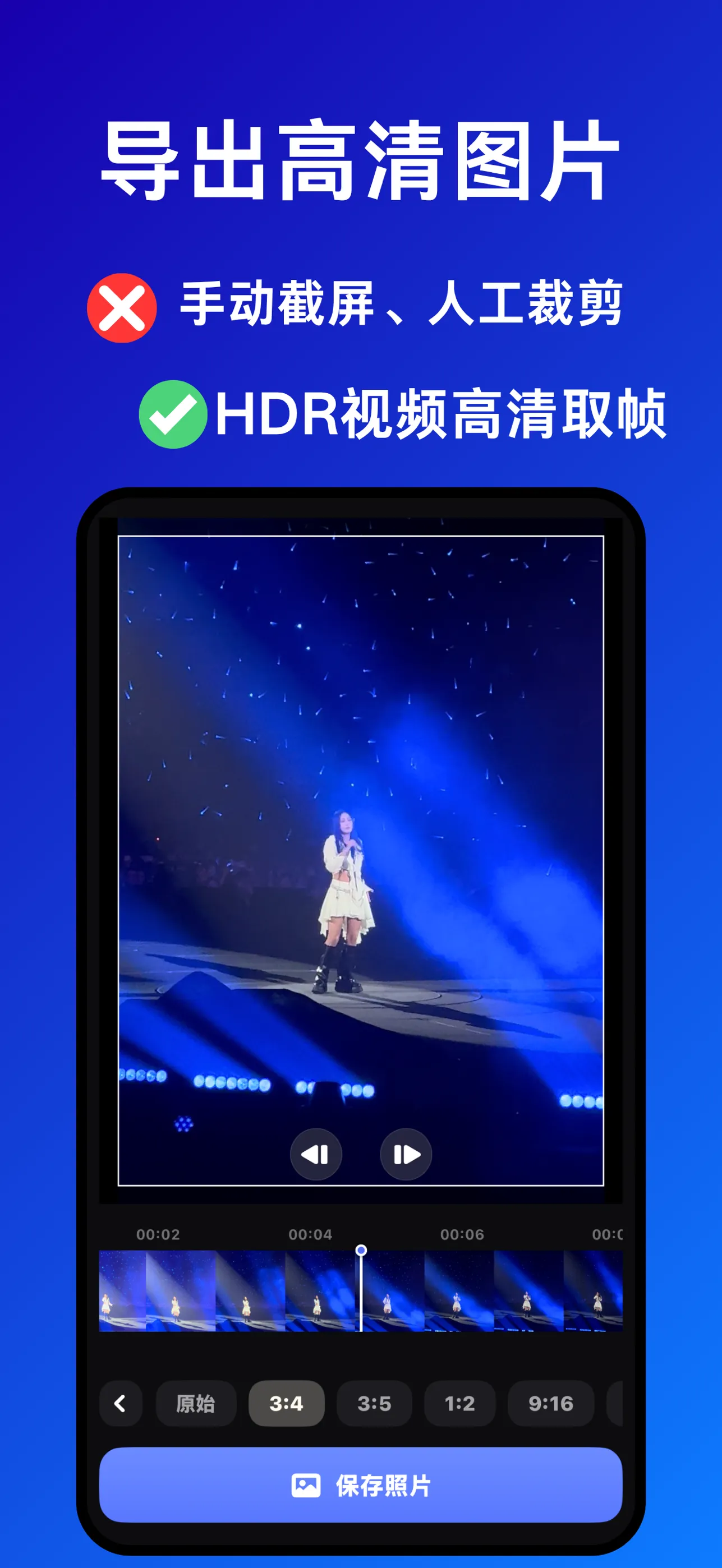
Manual screenshots turn gray and blow out the highlights. Framely reads the original video file and exports HD stills in Adaptive HDR, so they glow the way the video did.
“Light and easy to use. All I needed was a way to export Live Photos, and it does that job really well.”
“I have 100k videos and photos on my phone. Other apps stutter when I open them, but Framely doesn’t — it makes the whole experience great.”
“Smooth to use. It finally lets me share the great moments hiding in so many of my videos.”
No. Framely has no account, no analytics and makes no network requests at all. Everything is processed on your iPhone.
That’s on purpose. HDR Live Photos flash bright when you press to play, then the system pulls them back — that’s where “overexposed Live Photos” come from. So Framely exports Live Photos in standard dynamic range for stability, and keeps HDR for HD stills, where it’s reliable.
Moments has a length limit for Live Photos. Choose the “Moments” preset at the bottom of the editor and Framely keeps your selection under 3.9 seconds. A Live Photo that was already exported too long needs to be made again.
Framely has its own video-only album page, so it needs to list your videos. Once you pick one, it reads the original file — the system’s transcoded copy loses HDR, which is exactly what Framely is here to keep. Everything happens on your phone, you can choose limited access, and you can revoke it anytime in Settings → Privacy & Security → Photos.
No — by design. Edits in the Photos app are non-destructive, so you can always change your mind. Anything Framely hands to Photos is a finished file, where adjustments would be baked into the pixels. Taste shouldn’t be baked in, so do your color work in Photos.
iPhone only, with iOS 18 or later. The system APIs that keep HDR intact arrived in iOS 18, so that’s a hard requirement.
The best moment is in your video.